
Noise suppression and per-user volume
How to do it
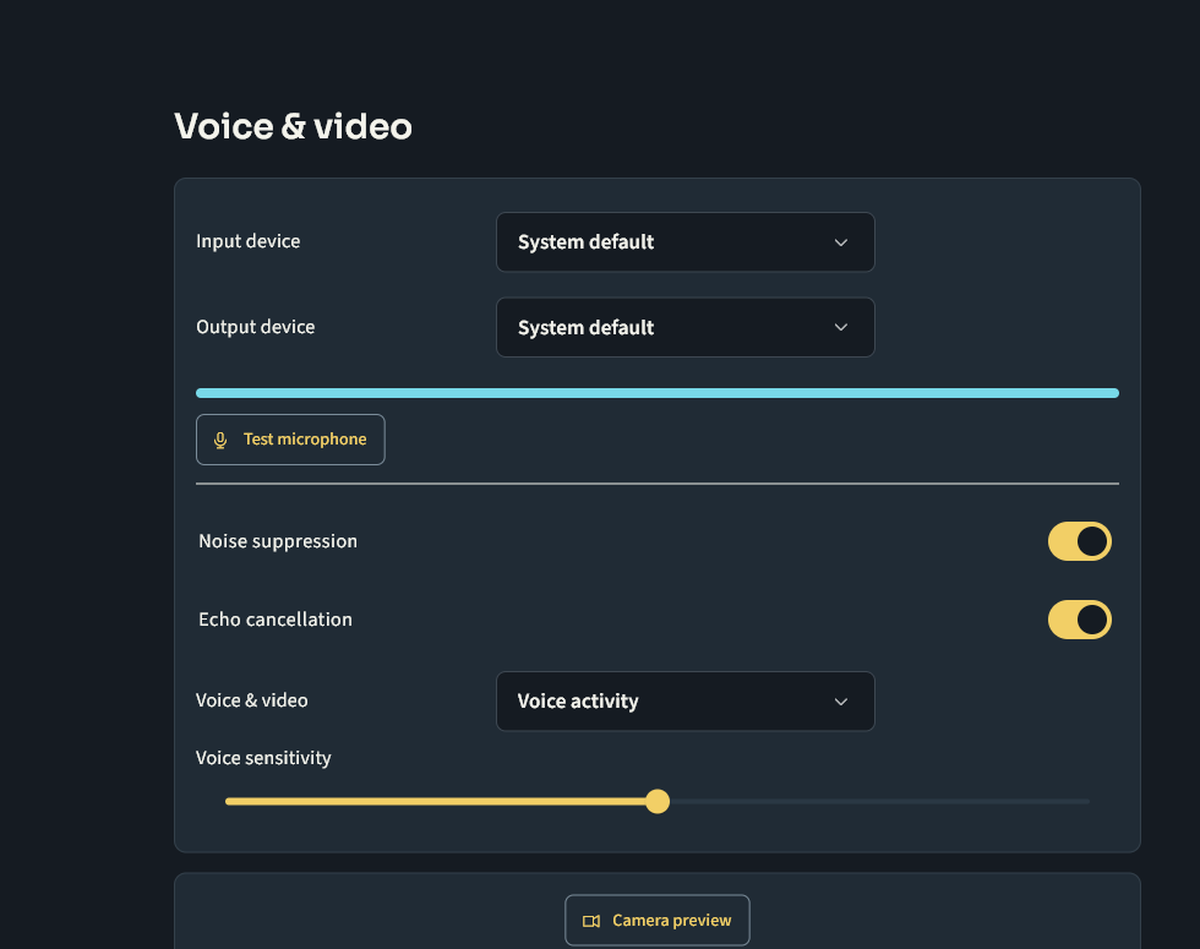
Select the correct microphone, then enable noise suppression and echo cancellation in voice settings if needed. Test with headphones and adjust sensitivity so speech passes without constantly transmitting room noise.
Keep in mind
Open a participant’s voice controls to adjust their volume locally; this does not change what others hear. If your voice is distorted, compare with suppression off and reduce input gain. Do not turn every level to maximum. Keep live microphone tests free of personal information.
Next steps
Contact support and track a request · Your first rally on Nuvlek
Was this helpful?
Sign in to send feedback. Reading the article needs no login.