
Roles and permissions
How to do it
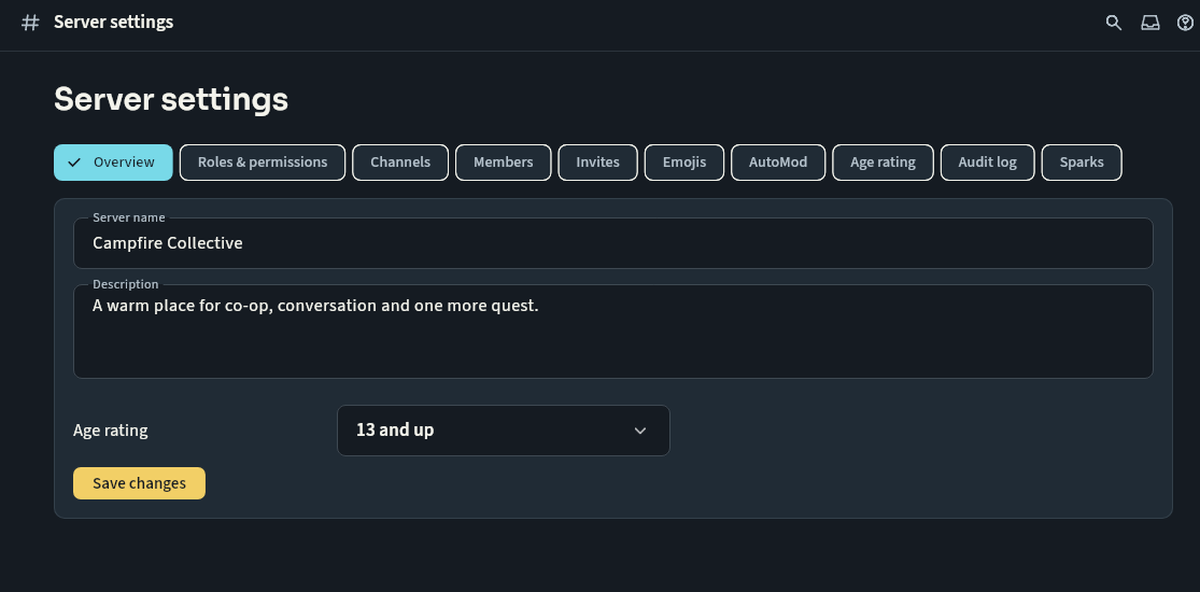
Open server settings and create a role with a clear name. Enable only the permissions that group needs, place it in the hierarchy and assign members. Review the default everyone role as well as moderator roles.
Keep in mind
Administrator is broad access and should be rare. Managing roles, banning members and sending announcements are different powers. Review restricted-channel visibility after every change and use the audit log to investigate changes. If you cannot see a channel, ask a server moderator instead of trying another account.
Next steps
Contact support and track a request · Your first rally on Nuvlek
Was this helpful?
Sign in to send feedback. Reading the article needs no login.