
Add friends and manage requests
How to do it
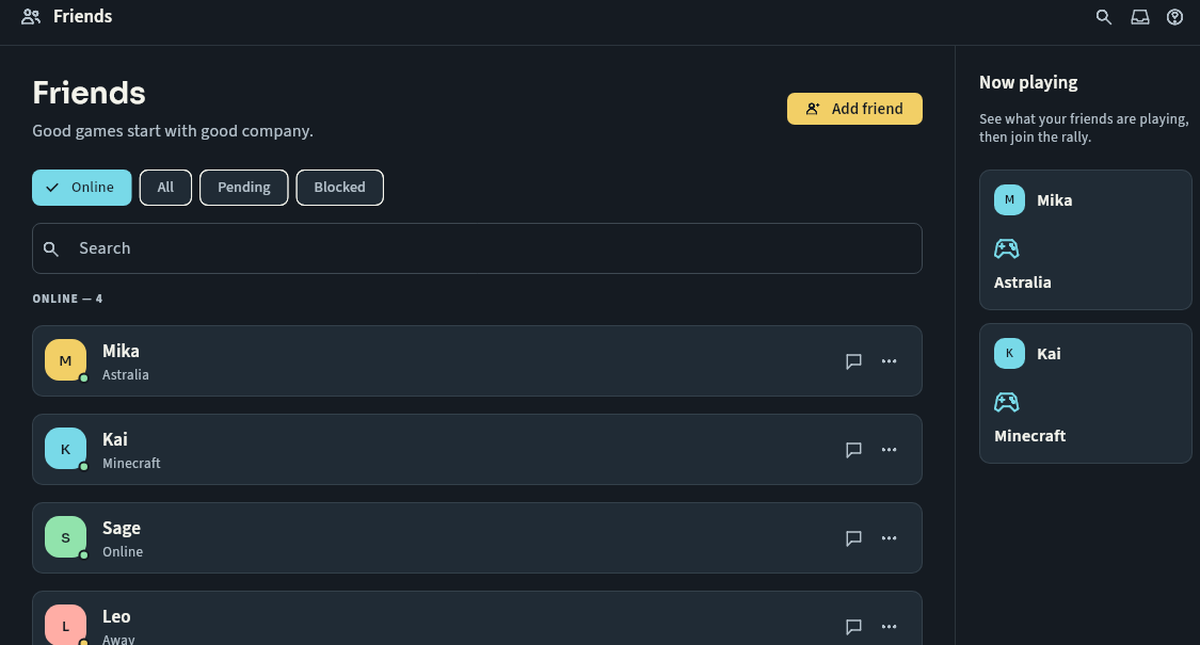
Open Friends, enter the exact username and send a request. The other person must accept before the relationship becomes a friendship. Review incoming/outgoing requests and remove contacts you no longer want.
Keep in mind
Teen requests are restricted to friends of friends or shared-server members; DMs are friends-only. A request may fail because the recipient blocks requests or because privacy rules apply. Do not keep retrying or use another account. You can block/report a friend at any time.
Next steps
Contact support and track a request · Your first rally on Nuvlek
Was this helpful?
Sign in to send feedback. Reading the article needs no login.